Forgot Agent Management Password
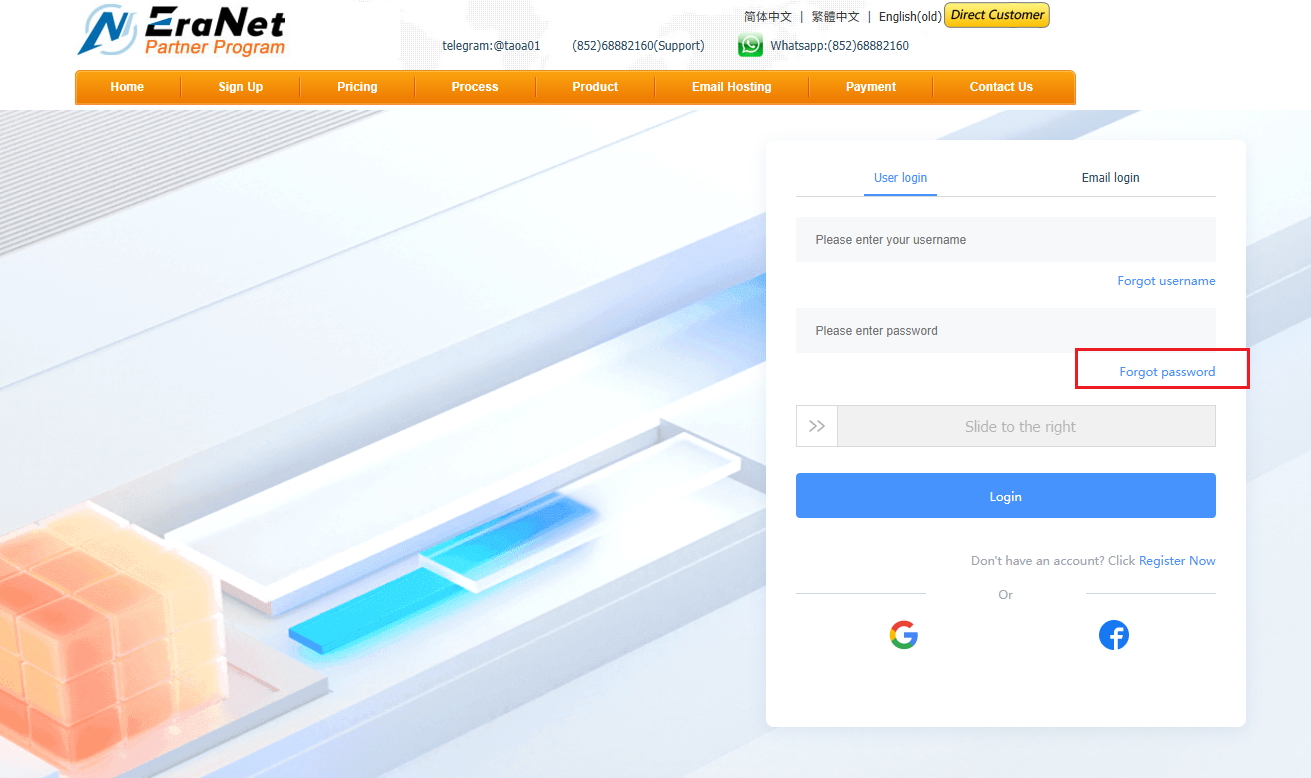
Open the agent page and click “Forgot password” next to the member login area.
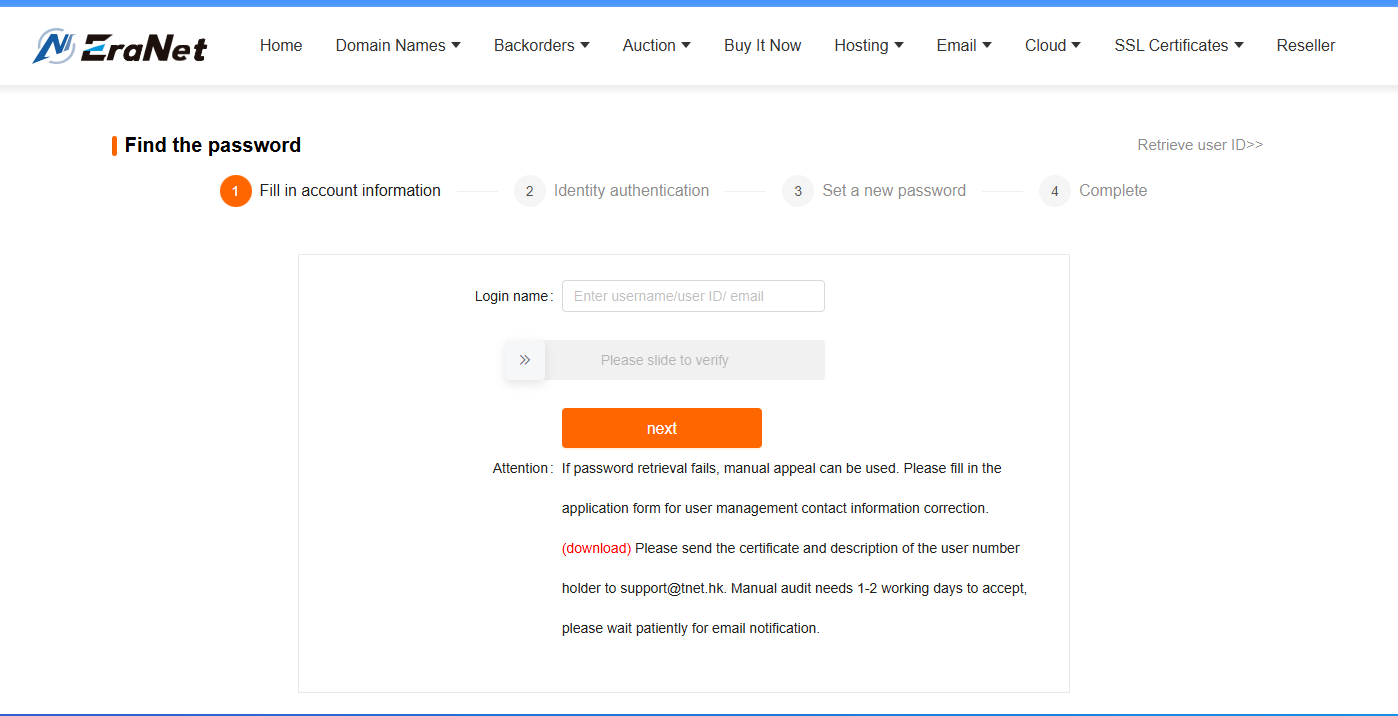
Enter the corresponding information in the form below.
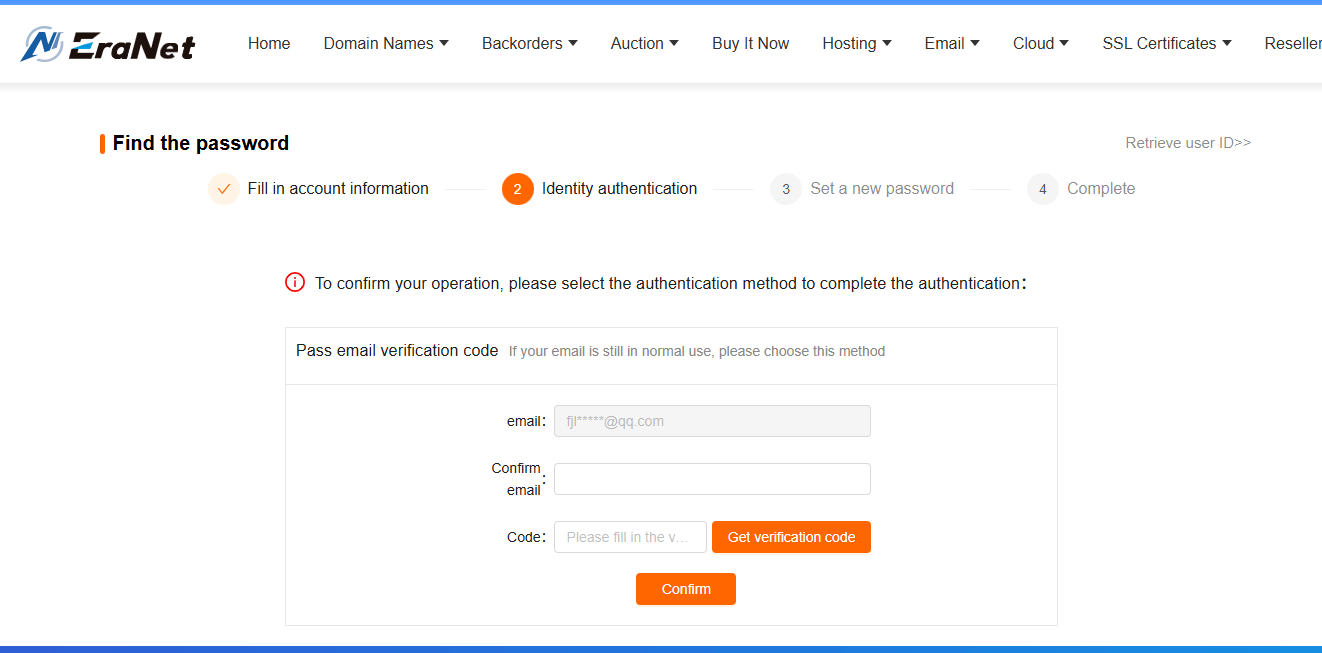
After the information is verified, set a new password.
For users who cannot retrieve the password this way:
You can email us to change and retrieve the agent management password, including the following in the email:
-
The username used at registration and the control center password.
-
If you registered as a company, attach your company’s official seal; if you registered as an individual, attach a copy of your ID card.
Send the email to the ERANET INTERNATIONAL LIMITED customer service mailbox support@eranet.com, and our staff will assist you in retrieving the password.